I stumbled upon All OS X while looking for a good screen capture utility for OS X. There, I found the following lovely tidbit:


With
Mac OS X v10.2, you now have yet another option for capturing
screen shots. To review, here are the two options you’re probably already familiar with:
| 1. |
Type Command-Shift-3 to take a screen shot of your entire
screen. |
| 2. |
Type Command-Shift-4 and Mac OS X presents you with
crosshairs you can use to select whatever portion of your
display you’d like to capture in a screen shot. |
And here’s the new option:
|
| 3. |
Immediately hit the spacebar after typing Command-Shift-4.
Instead of crosshairs, you’ll see a little camera. Move the
camera around to highlight the Dock, the menu bar, the desktop,
or any open window. Then just click the mouse button to “snap” a screen
shot. In fact, with this option, you can entirely eliminate the
desktop when you capture a screen shot of an individual window.
|
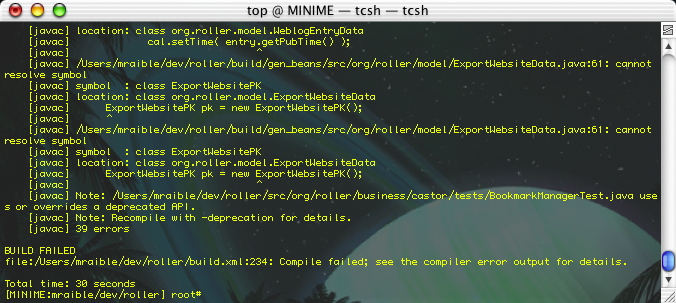
Here's proof that it actually works. It's pretty cool how it just puts a PDF on your desktop and then you can use Preview (the application) to export to almost any image format, including Photoshop. I really dig this - I'd love a similar "feature" on XP and Red Hat 8.0.
I logged into PayPal tonight to pay my Web Hosting provider - and found they now have a FREE BillPay Service. Best of all - they actually had a list of Vendors that I've payed recently. I guess they get this from my bank account. Pretty cool though - I'll be using it shortly and I'll eliminate the last three bills I have to write checks for.
Found via Be Blogging, the Mozilla Composite Editor. Here's the scoop:
ComposIte is a chrome overlay which enables a streamlined Mozilla Editor for html composition in textareas. To use the editor, hit ctrl-e in a textarea. Alternately, you can turn on an 'Edit with Composite' button in the Composite prefs (v0.0.5 and higher).
The bad part, as Ugo notes, is that it does not generate XHTML. I haven't tried it, but it does come from Mozilla.org, so there's definite hope.